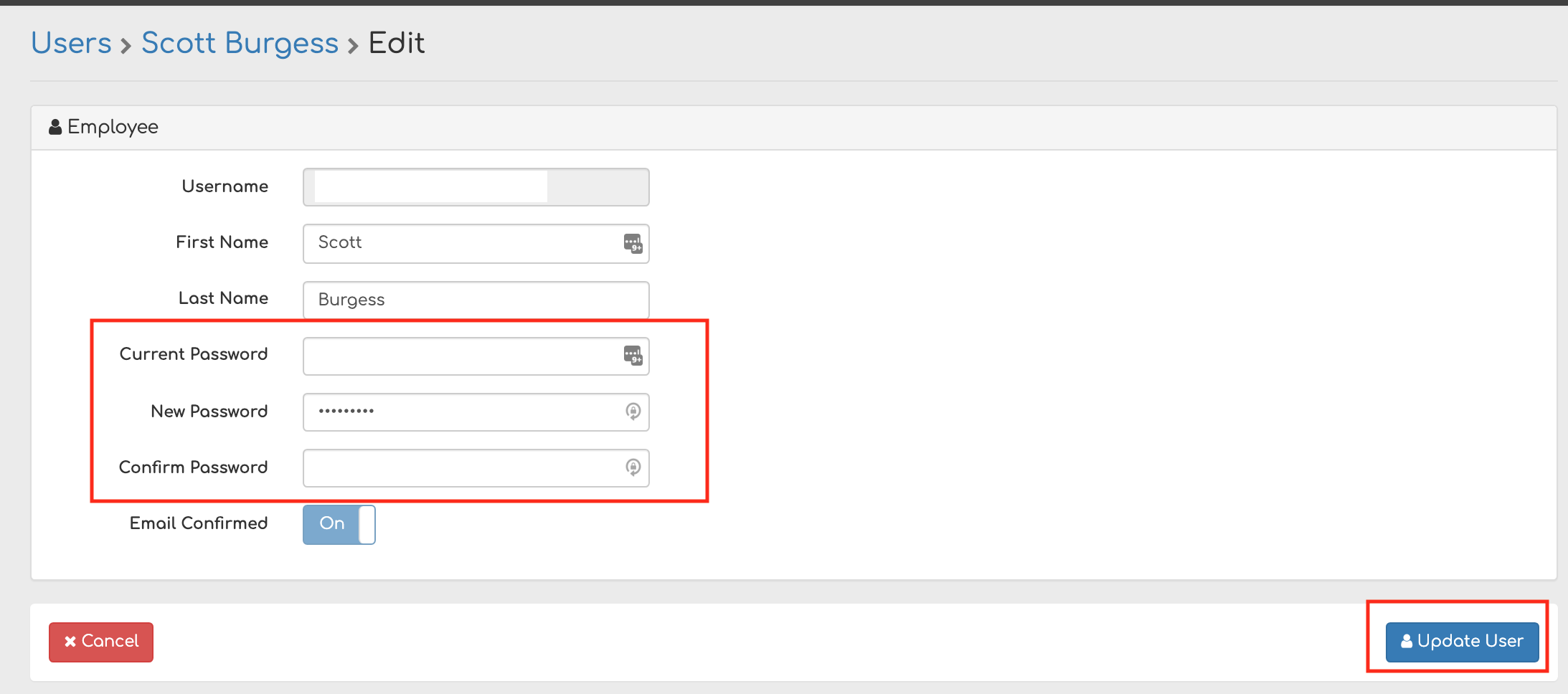
There are two ways you can change your Biller Genie password.
Option 1 - Forgot Password Link
Step 1
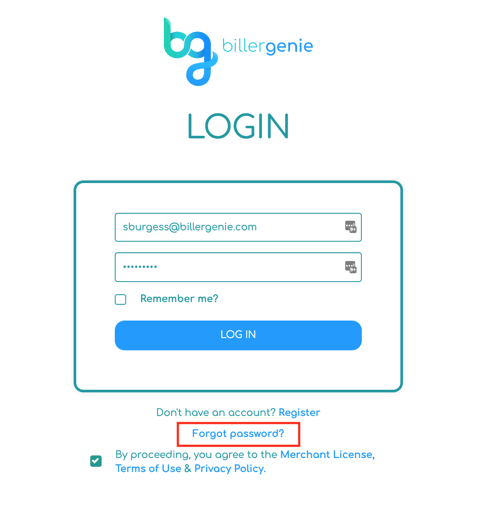
Go to the Biller Genie Login Page
https://merchant.billergenie.com/Account/Login/
Step 2
Click Forgot password?
Step 3
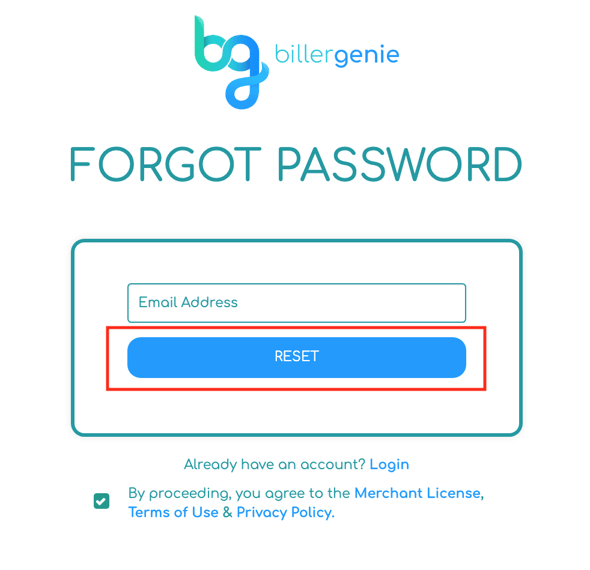
Enter in your email and click Reset
Step 4
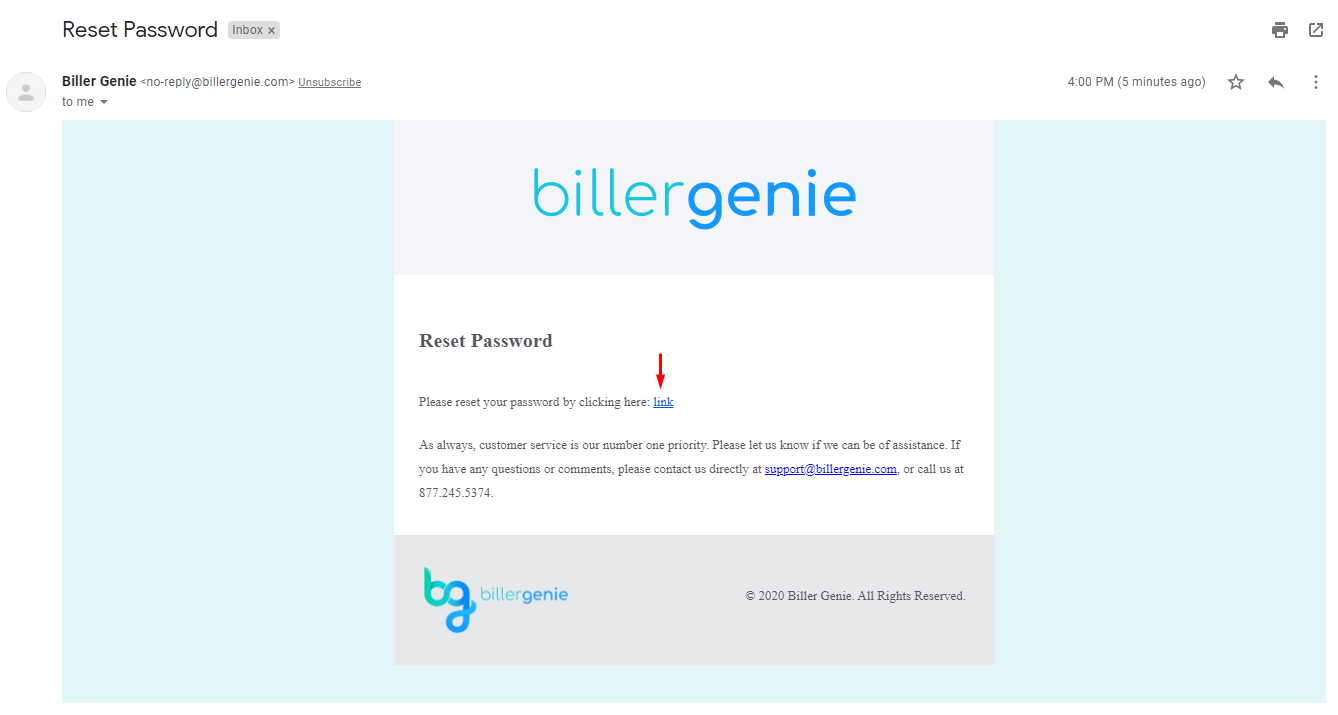
Locate the Reset Password email sent to you and click the provided link.
Step 5
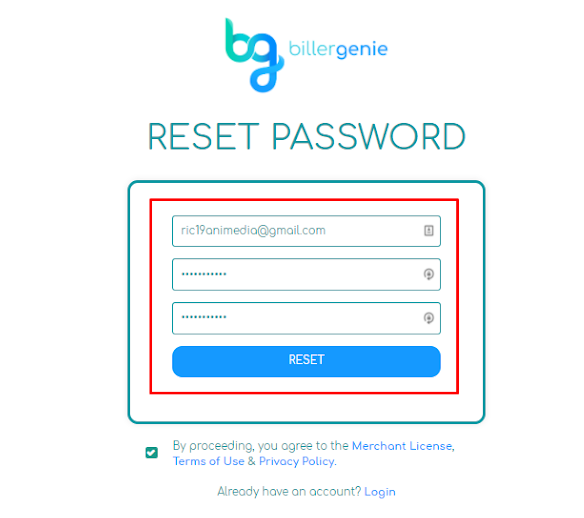
Create your new password and click Reset.
Step 6
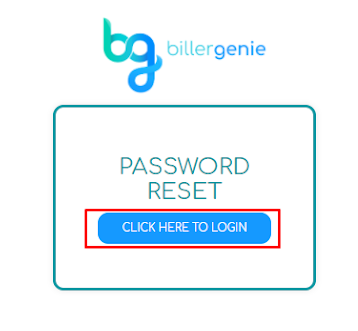
Click Click Here To Login.
Step 7
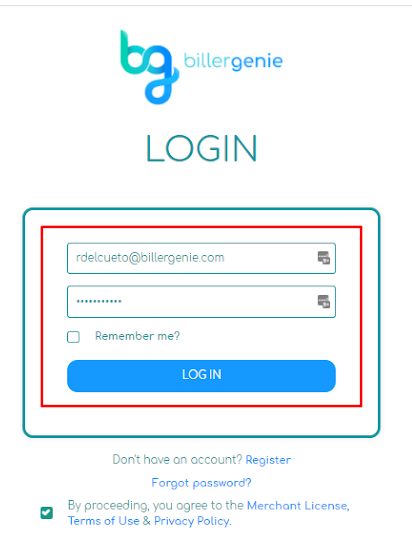
Login with the newly created password.
Option 2 - Inside Biller Genie
Step 1
In the upper right-hand portion of Biller Genie, click your Name, then select My Profile.

Step 2
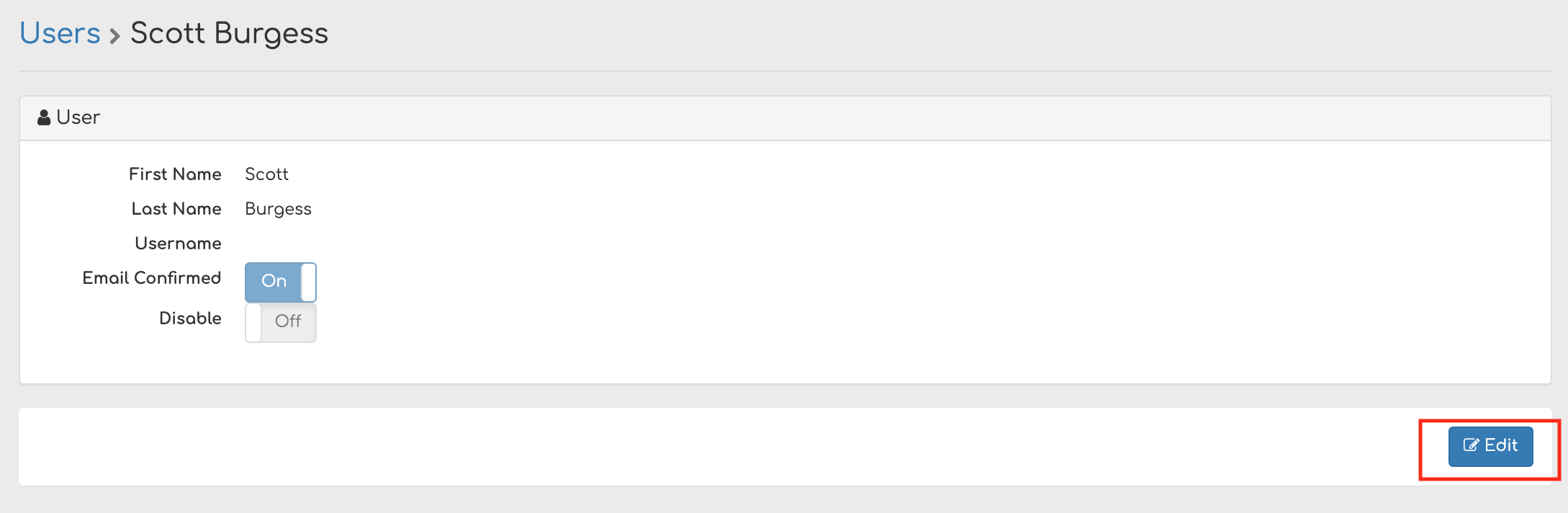
Click Edit.
Step 3
Enter your current password, new password, and confirm the new password. Click Update User.