
Overview
Mobile Check Capture allows you to take photos of checks using a mobile device and upload them directly into Biller Genie for processing.
This option is ideal if you do not use a physical check scanner.
How To Install Mobile Check Capture
Step 1
Log in to your Biller Genie account.
Navigate to:
Add-Ons Marketplace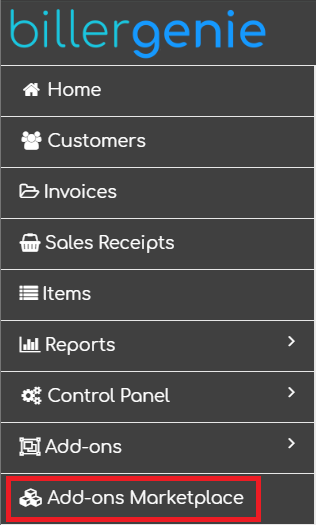
Step 2
Locate and click the Mobile Check Capture tile.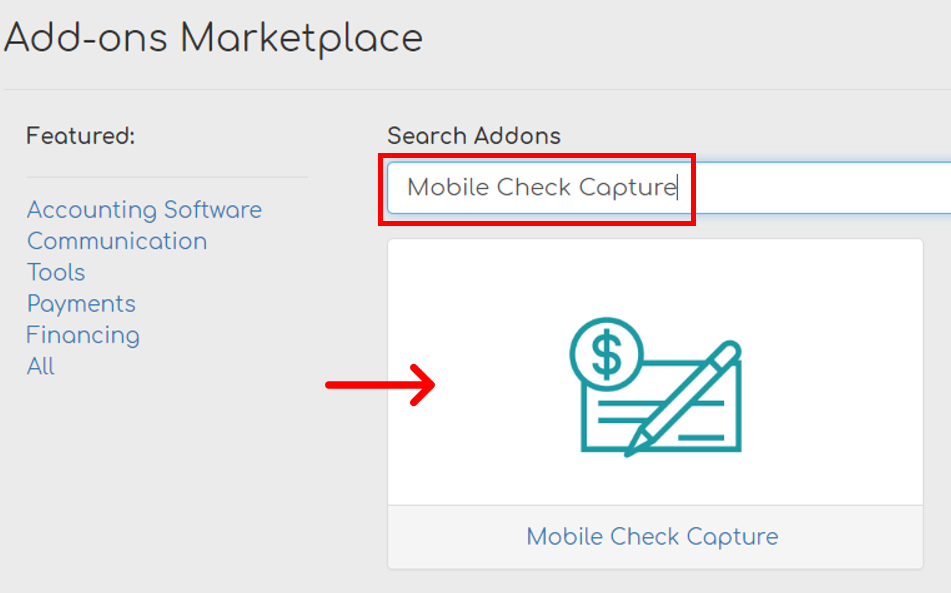
Step 3
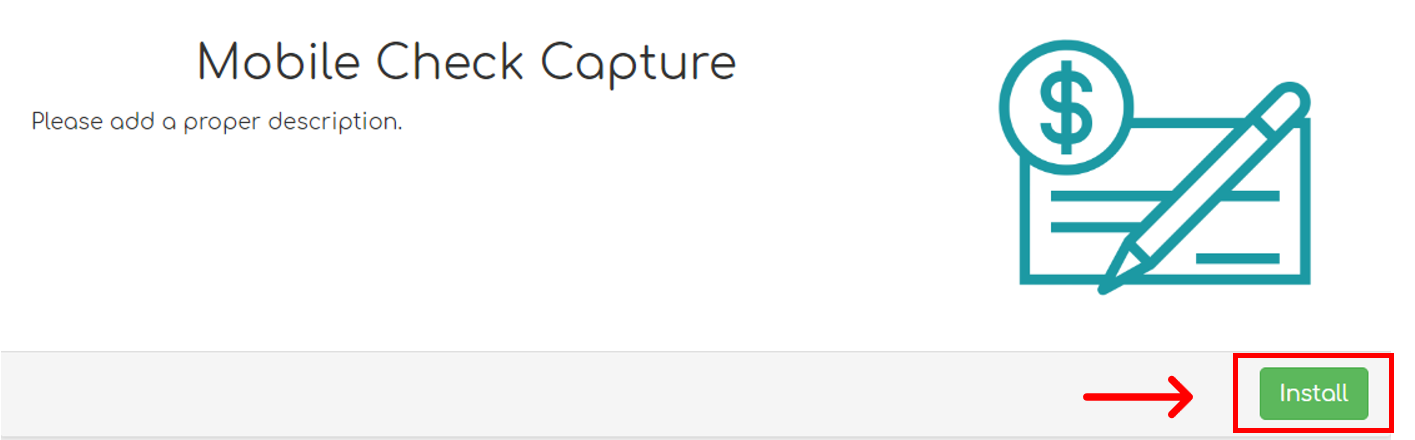
Click Install.
Once installed, you are ready to begin capturing check images using a mobile device.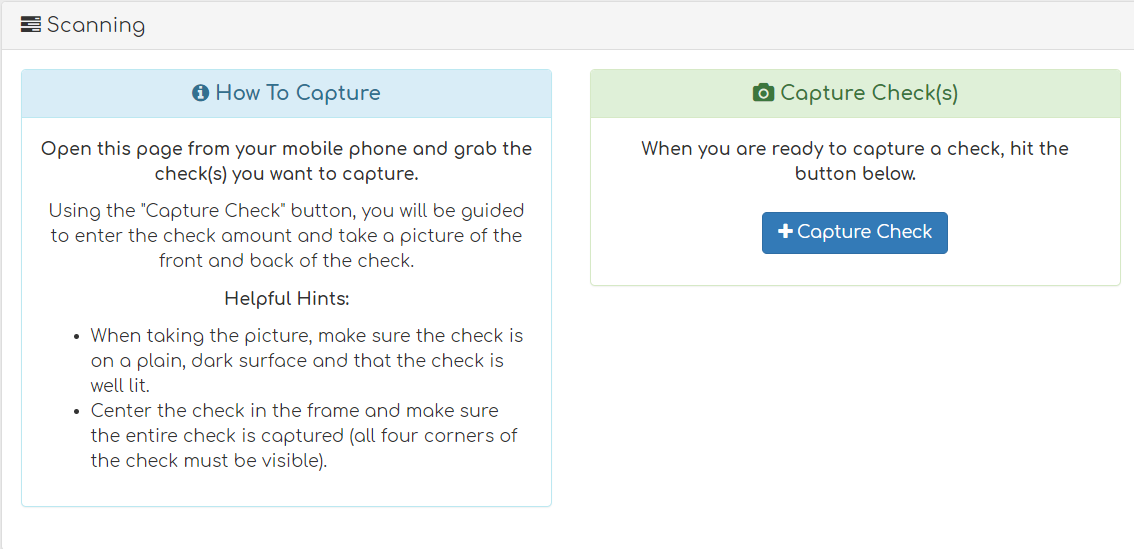
Still Having Trouble?
If you are unable to install or access Mobile Check Capture, contact the Biller Genie support team at support@billergenie.com and include the following details:
- Confirmation that the add-on was installed
- The device you are using (iOS or Android)
- Any error messages displayed
Providing this information will help our support team assist you as efficiently as possible.